Color mesh with per-vertex values in Blender 4.2 using Geometry Nodes
Following my banger of a post from 2022 lets revisit the same problem in 2026: now in Blender 4.2.3 (LTS).
Here I show a better way to solve the same problem: color mesh with per-vertex values, this time more interactive and with Geometry Nodes.
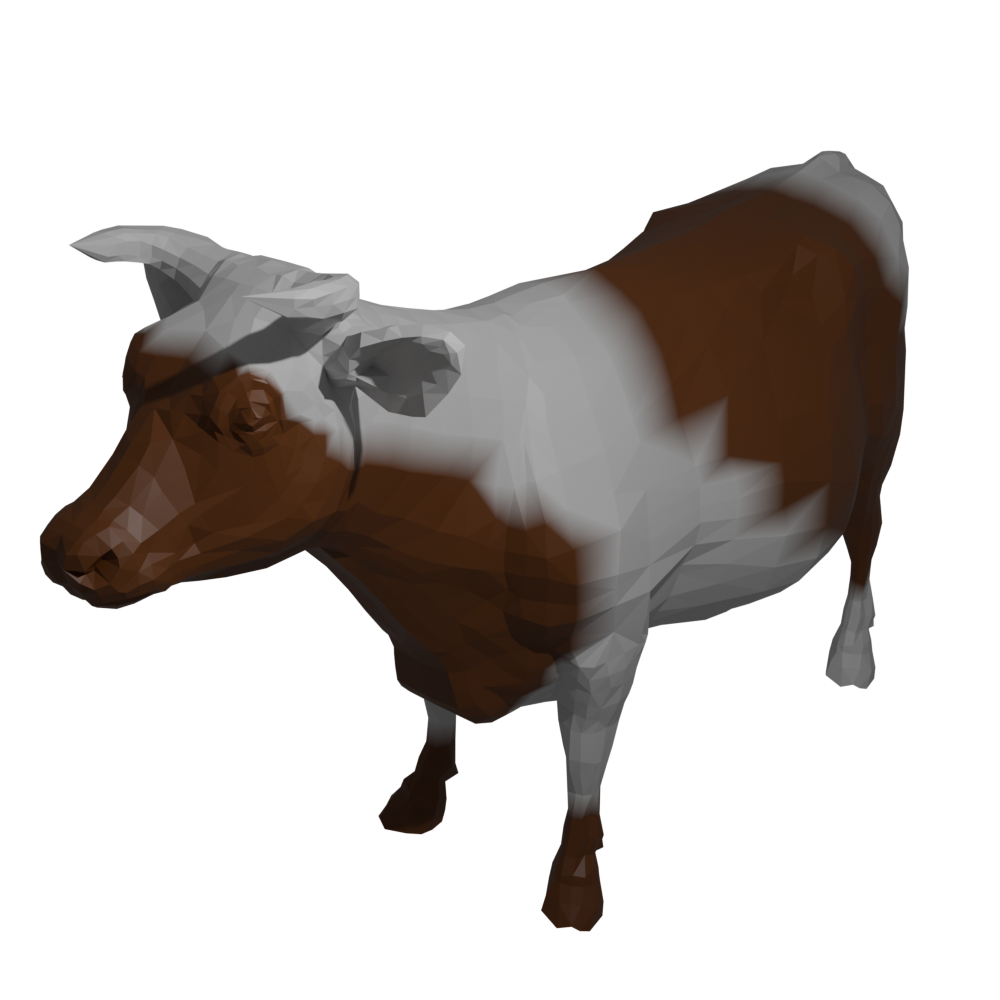
Load values
Here is a simple script to populate named attribute with random values:
import bpy
import random

mesh = bpy.data.meshes["cow"]

attribute = mesh.attributes.new(name="eigenvector", type='FLOAT', domain='POINT')

for i in range(len(mesh.vertices)):
    attribute.data[i].value = random.uniform(0.0, 1.0)
Map values to color
The magic happens in Geometry nodes:
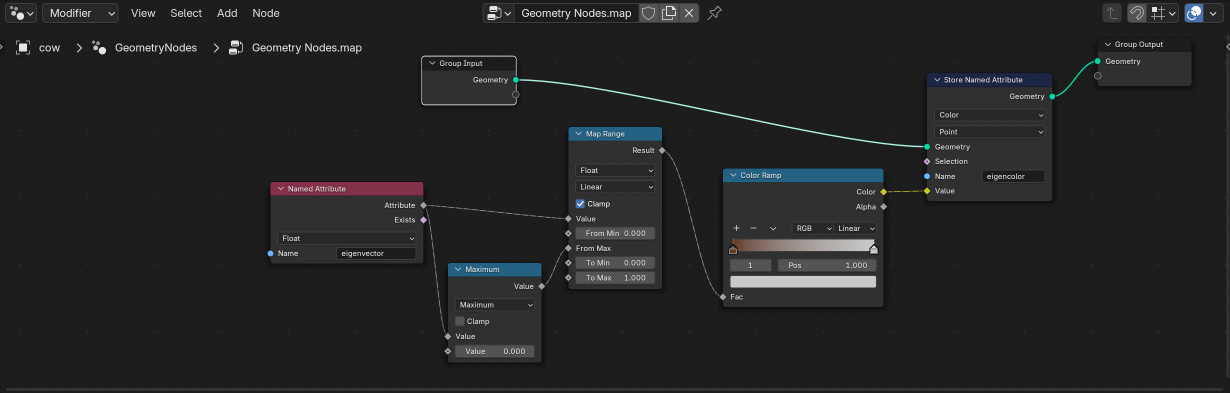
Here we map vertex float attribute eigenvector to a vertex color attribute eigencolor.
- We first normalize values to 0-1 with
Map Range-
Maximumnode (comes inUtilities/Math) helps with mapping
-
- Then value is mapped to color using
Color Ramp- Color ramp can create any gradient, and you see the results immediately
Setup shader
The shader is very simple: use vertex color attribute eigencolor
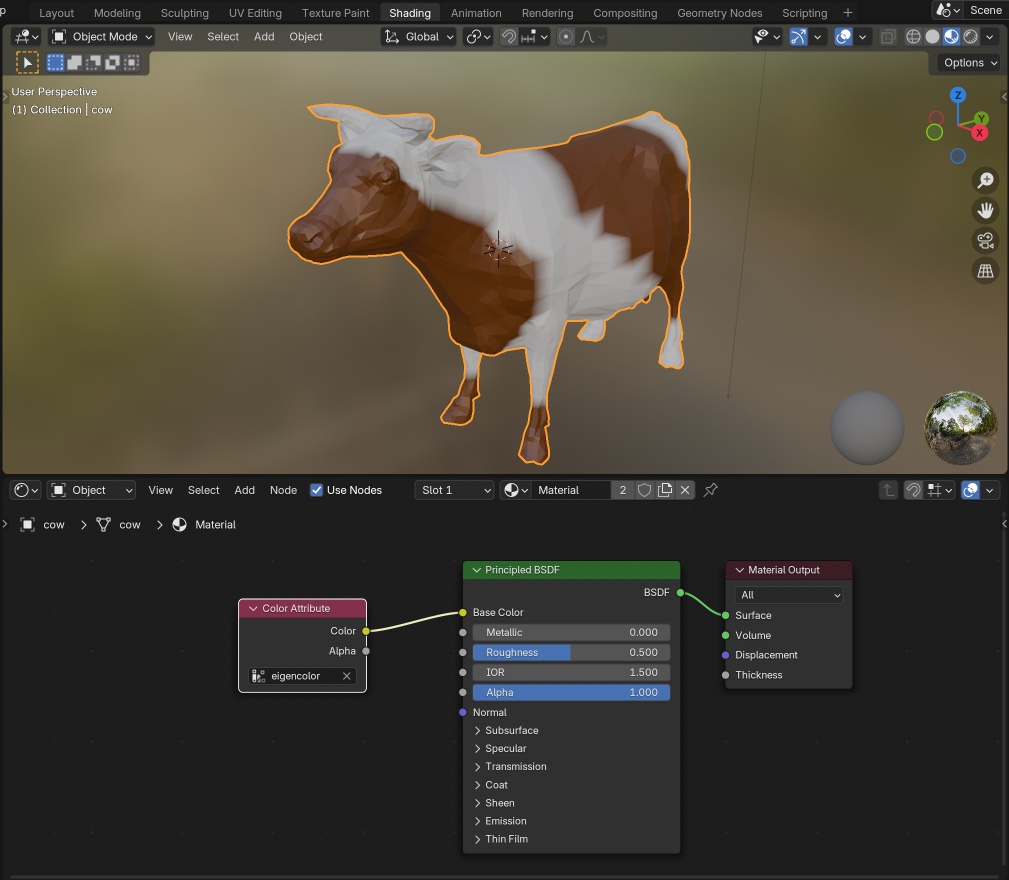
By the way, this is a visualization of mesh Laplacian eigenvector. Again.
Done! Go have fun with the Color Ramp and see the results immediately.
More Posts
Here are some more articles you might like to read next: